
Audioship shows the YouTube URL after YouTube accepts the upload. If you do not see it yet, the upload may still be queued, converting, uploading to YouTube, or failed.
Where to look
- On the upload page, check the result card for the draft you published.
- When the upload succeeds, the result card shows the YouTube URL and an Edit video button.
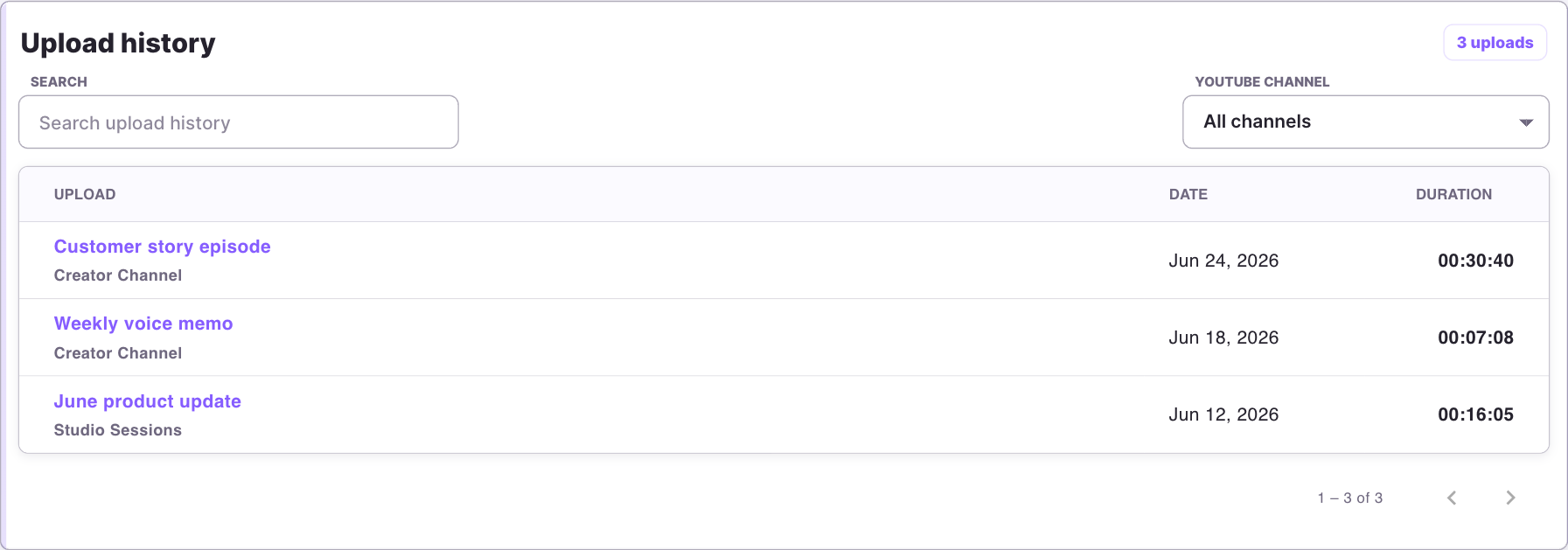
- Later, open Account and check Upload history. You can search and filter history by YouTube channel when multiple channels are present.

If the URL never appears
- Read any error shown on the upload result card.
- Reconnect the YouTube account if Audioship says authentication expired or upload permission is missing.
- Wait and retry if YouTube temporarily could not accept the upload.
- Contact support with the title, approximate upload time, and destination YouTube channel.