
The simplest workflow is to record your voice on a phone or computer, export the audio, and upload that audio file to Audioship.
- Record using your preferred voice memo, camera, podcast, or audio editing app.
- Export the recording as an audio file when possible. MP3, WAV, and M4A are good choices.
- If your app only exports video, upload its MP4, M4V, or MOV file and Audioship will extract the first audio track.
- Open Upload, select Upload audio, and add the file.
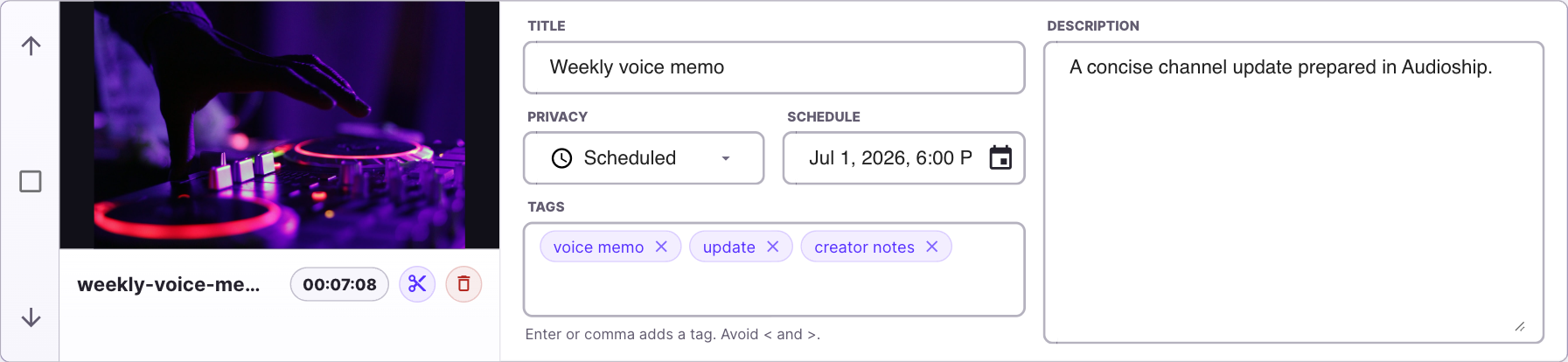
- Choose artwork, edit the YouTube title and description, then publish to YouTube.
For clean results, listen to the exported file before uploading and trim long silence at the start or end.