
You can cancel from the billing portal linked on your Audioship account page.
- Open Account.
- Select Manage subscription.
- In the Stripe billing portal, choose the cancellation option for your current plan.
- Confirm the cancellation in Stripe.
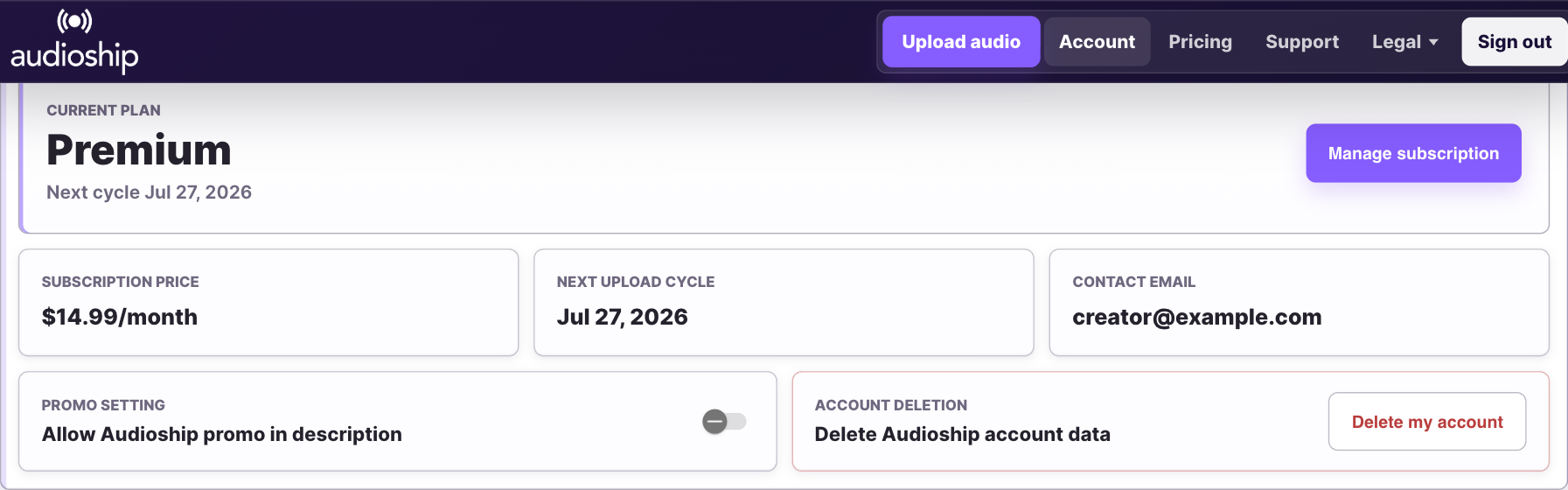
Your paid plan remains available until the end of the billing period shown in the billing portal. After that, the subscription will not renew.
If you cannot see Manage subscription, make sure you are signed into the Audioship account that owns the subscription and contact support if the subscription still does not appear.