
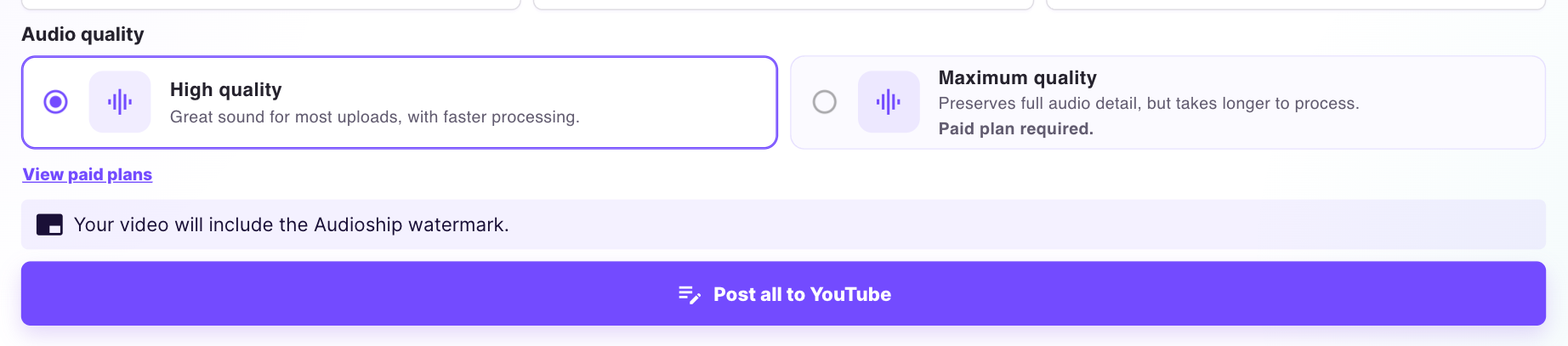
Videos published on the Free plan include the Audioship watermark. Paid plans remove the watermark from generated videos.
Remove the watermark
On the Free plan, the Upload page shows a watermark notice below Subscription info and a View paid plans link.
- Open Pricing.
- Choose Starter, Premium, or Professional.
- Complete checkout through Stripe.
- Return to the upload page and publish your videos from the paid plan.
Paid plans also increase monthly upload limits and maximum video length. If you have already published a watermarked video, create and upload a new version after upgrading.