
Publishing must fit both your Audioship plan and the destination YouTube channel's restrictions. Check the message shown in the workspace or failed job to identify which limit applies.
Videos longer than 15 minutes
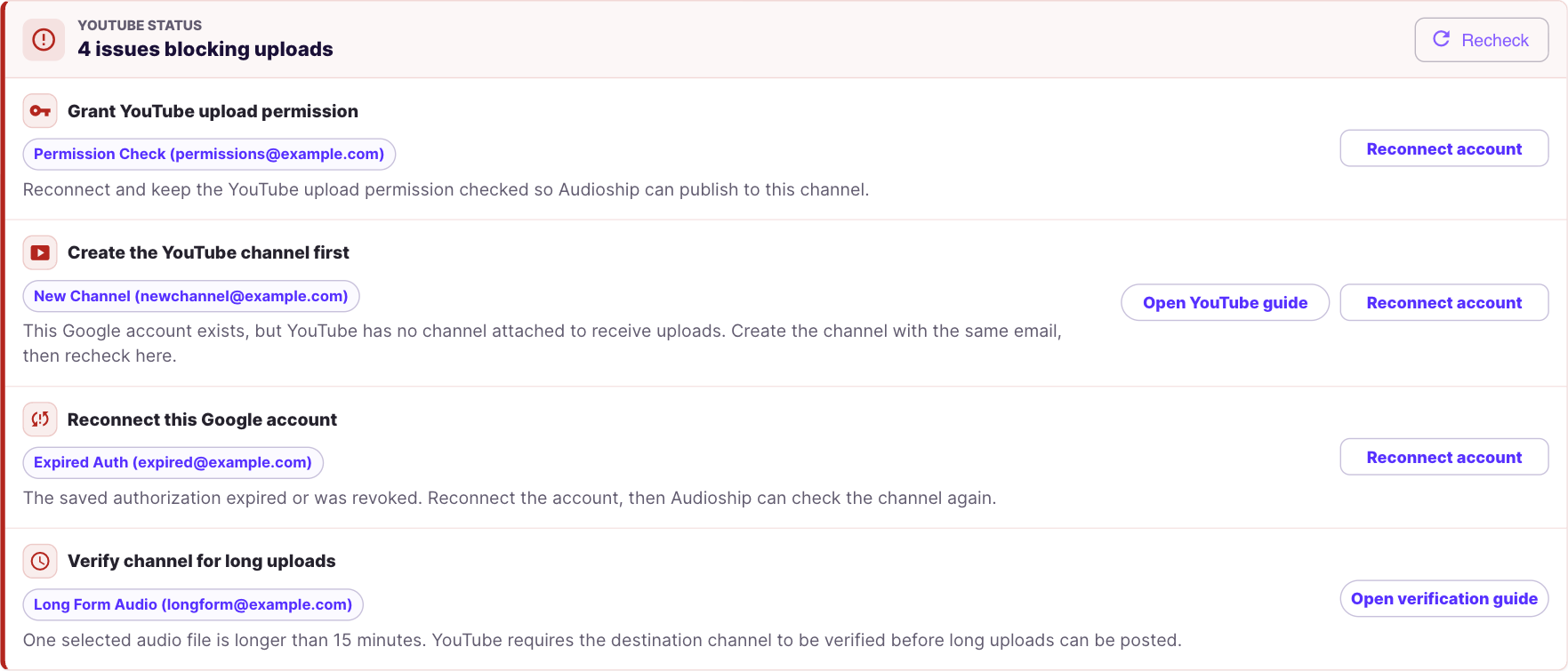
YouTube requires verification before a channel can upload videos longer than 15 minutes. Verify the intended channel at youtube.com/verify, then return to Audioship and recheck the YouTube connection. See YouTube's long-video instructions if verification or another upload attempt is needed.
Verification does not change your Audioship plan's maximum duration. A recording must fit both limits. When joining tracks, check their combined duration.
YouTube's daily upload cap
YouTube limits uploads in a 24-hour period across its upload methods, including the API used by Audioship. The allowance can vary with the channel and is not a fixed number that Audioship can promise. A paid Audioship plan cannot bypass it.
If YouTube reports that the daily limit has been reached, its upload error guidance says to try again in 24 hours. Avoid repeatedly submitting the same batch. First check which videos succeeded, then retry only the failed work once the channel can upload again.
Your Audioship monthly quota
Free includes 3 videos per month, up to 30 minutes each, with a watermark. Paid plans raise the monthly and duration allowances and remove the watermark. Review the remaining uploads in your workspace and compare current plans before preparing a large batch.
Separate drafts and multiple destination channels use uploads separately. A failed YouTube attempt rejected because of YouTube's cap does not count against your Audioship quota when it did not reach YouTube. Review the recorded result before retrying.
File size and audio format
Audioship accepts files up to 500 MB on Free and 10 GB on paid plans. Compressing a file may reduce its size, but it does not shorten its playback duration. Check the audio format guide if a file is rejected before it uploads.
Which fix should I use?
- Long-video verification warning: verify and recheck the destination YouTube channel.
- Daily YouTube cap: wait before retrying the affected uploads.
- Audioship quota or duration warning: reduce the batch, use a recording within the limit, or choose a suitable plan.
- Permission or connection error: follow the connection warning guide; waiting for a quota reset will not repair authorization.